
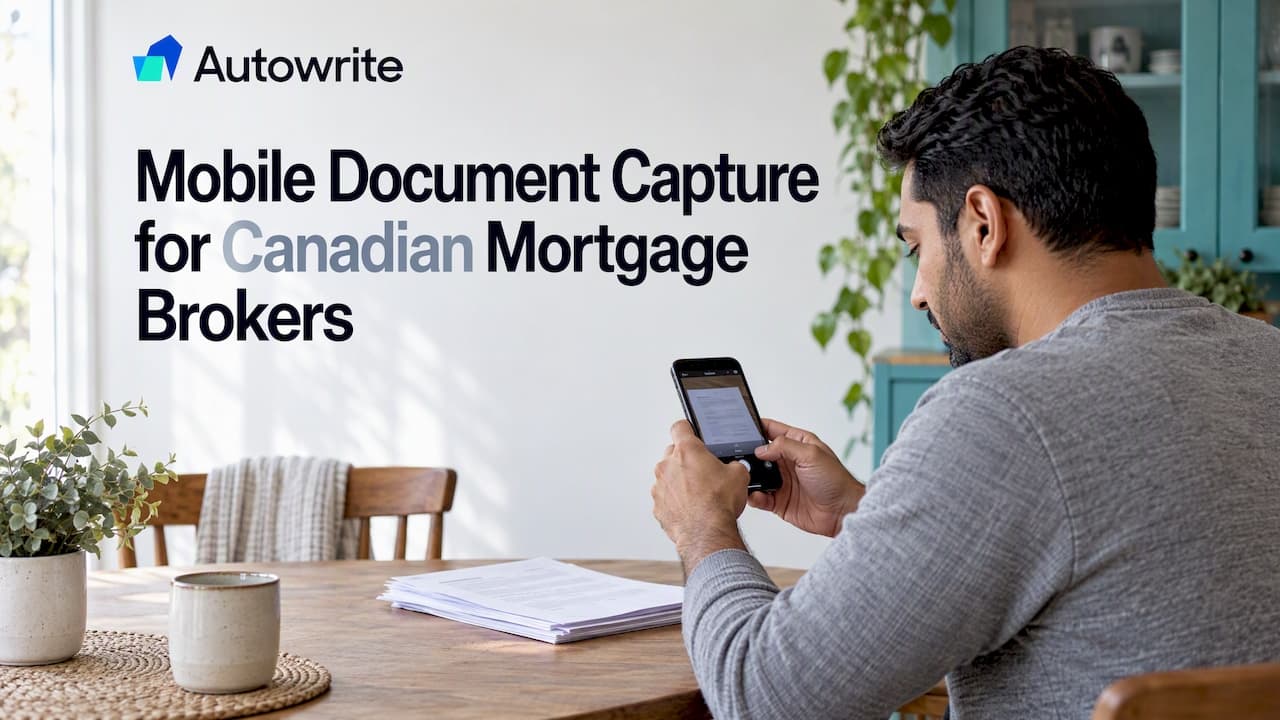
Mobile document capture means a client or broker photographs or scans a paper document with a phone and sends it into the mortgage file as a usable digital record. Done well, it replaces the courier run and the "can you resend that, it's blurry" email. Done badly, it creates incomplete files and a records problem. This guide covers how to get clean captures, how to check them, what to verify by hand, and how to store and keep them under Canadian rules.
TL;DR
- A usable capture shows the whole page, every page, in focus and evenly lit. Give clients a short, written set of photo rules before they send anything.
- Check every file on arrival: page count, legibility, name and date, and whether it is the document this file actually needs.
- OCR speeds up data entry, but a broker still confirms income, identity and amount fields by eye.
- Captured files are records. In Ontario, transaction records must be kept at least six years under FSRA requirements, and FINTRAC sets a five year minimum for its record types.
- A written, repeatable process across the brokerage matters more than any single app.
Table of Contents
- What counts as a good mobile capture
- Capture the documents this file needs, not a generic list
- Multi-page documents: the missing page problem
- Naming, filing and checking each capture
- Where OCR helps and where you still check
- Keeping captured documents secure
- Retention and provincial differences
- Building a process the whole brokerage follows
- Our perspective
- Put capture, extraction and compliance in one place
- FAQ
- Sources
What counts as a good mobile capture
The test is simple: could an underwriter read it without asking for anything more? That means the entire document is visible, including the corners, the text is sharp, and the lighting is even with no glare or shadow across figures.
Most rejected files fail for the same handful of reasons: blur, cropped edges, missing pages, glare, low resolution, screenshots instead of originals, and locked PDFs that cannot be opened. None of these is a technical problem. They are instruction problems, and the fix is to tell clients exactly what to do before they pick up the phone.
Rules you can send to clients
Keep these short enough to fit in a text message or the top of your document request email:
- Place the page flat on a dark, plain surface, such as a table or a dark folder.
- Use daylight or a bright room light. Turn the flash off, because it bounces off glossy paper.
- Hold the phone directly above the page, parallel to it, with both hands. Leave a small margin around the edges.
- Use your phone's document or scan mode if it has one. Otherwise use the highest photo resolution.
- Preview the image. If you cannot read every figure when you zoom in, retake it.
- Do not crop, filter or edit. Send every page, including blank ones and the back of a page if it has printing.
- Send the original file, not a screenshot of it.
A flat scan from a scanning mode generally beats a photo, but a careful photo is perfectly acceptable. Do not turn this into a technology lesson. A client who follows three of these seven rules still sends a better file than one who follows none.
Photo ID needs its own instructions
A driver's licence or other government-issued photo ID is where glare causes the most trouble, because the laminate and holograms reflect light. Ask for the front and back as two separate images, and tell clients to tilt the phone very slightly so the overhead light does not reflect straight back into the lens. Both sides should be fully in frame with all four corners visible.

Identity checks carry their own regulatory weight. If you handle them, the anti-money laundering obligations for mortgage brokers are worth reviewing alongside your capture rules, so the image you collect meets the purpose you need it for.
Capture the documents this file needs, not a generic list
A common mistake is a one-size-fits-all checklist. The documents depend on the borrower. A salaried employee and a self-employed owner need different things, and CMHC says so directly: for its self-employed mortgage loan insurance, documentation depends on the borrower's circumstances and may include recent account statements, business documents, signed contracts, a T1 General with Notice of Assessment, proof of income and the T2125.
That has a practical consequence for mobile capture. Before you send the request, decide which documents apply, then ask for exactly those. A tailored request produces fewer follow-ups than a long generic list that clients half-complete.
A useful request names each document in plain words ("your 2025 Notice of Assessment from CRA My Account, all pages") and says how it should be captured. Specific wording cuts down the back-and-forth.
Multi-page documents: the missing page problem
Missing pages are the most common reason a file stalls. A mortgage statement with page 2 of 3 missing is not a statement, it is a fragment, and a lender will send it back.
The CRA's own audit manual makes the principle clear for electronic records: an electronic document must be complete, and an entire agreement should be scanned, not only its first and last pages. The same logic applies to purchase agreements, tax packages and mortgage statements.
When a file arrives, run through this check:
- Does the page numbering run in sequence ("page 1 of 4" through "page 4 of 4")?
- Are blank pages included where the original had them?
- Is the name, date and account number visible on every statement page that carries one?
- Is it the correct period, for example the most recent statement and not the one before?
If any answer is no, ask for a rescan the same day. Clients remember a request sent within hours far better than one sent a week later.
Naming, filing and checking each capture
A phone names files things like IMG_4821. Left alone, that becomes a file nobody can search. Pick one naming pattern and use it for every client, for example: client surname, document type, period, as in Tremblay_NOA_2025.pdf. The exact pattern matters less than using the same one every time.
A sound filing routine has four steps:
- Rename the file on arrival using your pattern.
- Check it against the list above: complete, legible, correct document, correct period.
- File it in the client's folder, never in a general inbox or camera roll.
- Log anything outstanding so nothing is chased twice or forgotten.
FSRA offers a good yardstick for record quality in Ontario. One way to judge whether transaction records are adequate is to ask whether another agent or broker could explain the product recommendation from the file without any extra help. A capture that is complete, named properly and filed in the right place passes that test. A blurry photo buried in a text thread does not. Reliable records that support mortgage advice start at the moment of capture, not at the end of the file.
Where OCR helps and where you still check
Once a document is captured, optical character recognition (OCR) reads the image and turns it into machine-readable text. Intelligent document processing goes a step further: it can classify the document, extract fields, validate them against rules and flag discrepancies for human review. For a brokerage, that is the difference between retyping a T4 and reviewing one.
OCR quality depends heavily on capture quality. A sharp, flat, evenly lit image extracts cleanly. A skewed photo with a shadow across the income line does not. This is why the capture rules above are not busywork: they decide how much of the extraction you can trust.
Whatever tool you use, keep a human check on the fields that drive the decision:
- Income figures and the year or period they belong to
- Names and addresses, which must match across documents
- Account and mortgage numbers, where one wrong digit causes real trouble
- Amounts on down payment evidence, including the date funds landed
- Anything the tool marks as low confidence
Pick a confidence level below which a field is always reviewed manually, write it into your process, and apply it to everyone. If you want to see how this plays out in practice, our piece on mortgage OCR for Canadian brokers walks through the workflow.
Keeping captured documents secure
Client documents on a phone are personal information in a pocket. A lost phone, an unlocked screen, or a photo that syncs to a personal cloud account are all realistic risks.
Two official sources give useful grounding. The Office of the Privacy Commissioner of Canada is clear that an organization remains accountable for personal information even when a cloud provider holds it, and says to check that providers offer multi-factor authentication, audit trails, and encryption in transit and at rest.
The Financial Consumer Agency of Canada's advice on mobile cheque deposits is aimed at consumers, but its habits transfer well to brokers handling documents on a phone: protect the device with a password, avoid public Wi-Fi for financial transactions, use a private and secure connection, and log out when finished.
Turn those into brokerage rules:
- Collect documents through a secure upload link, not by regular email or text message where you can avoid it.
- Never leave client files in the phone's photo library. Delete the local copy once the file is in the secure folder.
- Require a screen lock and multi-factor authentication on any device that touches client files.
- Use secure connections only. A coffee shop's open Wi-Fi is not one.
- Know where your provider stores data. Canadian data residency simplifies the conversation with a compliance officer.
If your systems sync client data between tools, our guide to six privacy controls for mortgage data syncing covers what to look for, and the PIPEDA checklists for Canadian brokers cover consent and safeguards in more detail.
Retention and provincial differences
A captured document is a record, and records have retention periods. Get these wrong in either direction and you have a problem: delete too early and you cannot defend your advice, keep too long and you hold personal information you no longer need.
| Rule | Applies to | What it says |
|---|---|---|
| FINTRAC | Mortgage brokers, lenders and administrators | Information records and mortgage loan records are kept for at least five years from creation or the last transaction |
| FSRA (Ontario) | Mortgage brokerages | Transaction records are kept at least six years after the mortgage term expires or the transaction completes or expires |
| Quebec Law 25 | Private-sector businesses | Personal information is destroyed once the purpose of collection is fulfilled, absent a government regulation saying otherwise |
A few practical points follow from this:
- Ontario storage. Paper records must stay at the principal place of business, but FSRA allows electronic records to be stored remotely if they can be retrieved in a legible, clear format on request. A clean mobile capture stored in a retrievable folder meets that standard far better than photos scattered across devices.
- Quebec incidents. Businesses under the private-sector law must keep a register of confidentiality incidents and notify the Commission d'accès à l'information and the people affected when an incident presents a risk of serious injury. A phone lost with client photos on it can be exactly that kind of incident.
- Purpose and disposal. The CRA states publicly that it keeps taxpayer information only as long as needed for the purpose it was collected and securely deletes or shreds it afterwards. It is a good model for how a brokerage should think about its own retention schedule.
British Columbia and Alberta have their own regulators and rules. Confirm the current requirement with your provincial regulator, and with your brokerage's compliance lead, before you set a schedule. For a side-by-side look at the federal and Ontario periods, see our explainer on FINTRAC five year versus FSRA six year retention.
Building a process the whole brokerage follows
Individual habits are not enough. FSRA expects brokerages to have clear policies and procedures for all staff, to keep relevant transaction correspondence, and to make sure principal brokers can reliably reach records through the retention period, including after an agent or broker leaves. It also expects documents, including emails and text messages, to be safeguarded against breaches and falsification.
That last point matters for mobile capture. If clients send documents by text to an agent's personal number, those documents sit on a personal phone that may leave with the agent. A written process closes that gap.
A workable process fits on one page:
- One intake route. A secure upload link or portal, named in every client request.
- One client instruction sheet. The seven capture rules above, in plain language.
- One naming and filing pattern. Applied by every broker and assistant.
- One review step. Someone checks each file on arrival, against the list of documents that file needs.
- One deletion rule. Local copies on phones go as soon as the file is secured.
- One retention schedule. Set by province and record type, owned by a named person.
Train assistants on it the first week they start. Revisit it when a file goes wrong, because that is when the weak step shows.
For the compliance side of the package that these captures feed into, our FINTRAC compliance package checklist and the guide to audit ready digital compliance records show what a complete file looks like at the end.
Our perspective
We built Autowrite because paperwork, not advice, eats a broker's week. Mobile capture is where that paperwork starts, and it is where most of the avoidable delay comes from: the blurry photo, the missing page, the document that arrives in a text thread and never reaches the file.
Our view is that capture, classification, extraction and compliance should be one connected workflow, built for Canadian brokers. When a document arrives, it should be recognized, sorted into the right file, read, and checked against what that deal needs, with line-level confidence so you can see which fields to verify and which to trust.
We also believe Canadian brokers should not have to choose between speed and defensible records. That is why Autowrite is designed around Canadian data residency and privacy compliance, and around assembling the e-sign and compliance packages your file actually needs.
The goal is not to remove the broker from the process. It is to give you back the hours that go to retyping and chasing, so they go to clients.
Anant Bawa
Put capture, extraction and compliance in one place
Autowrite is an AI-powered operating system for Canadian mortgage brokers. It handles document intake, classification and data extraction, auto-fills underwriting forms, syncs with mortgage software, and assembles e-sign and compliance packages. Paid plans start at $99 per month for Starter, with Pro at $199 per month and Legend at $399 per month. Enterprise has no published price, and additional deals are $20 each. Paid plans come with a 14-day free trial.
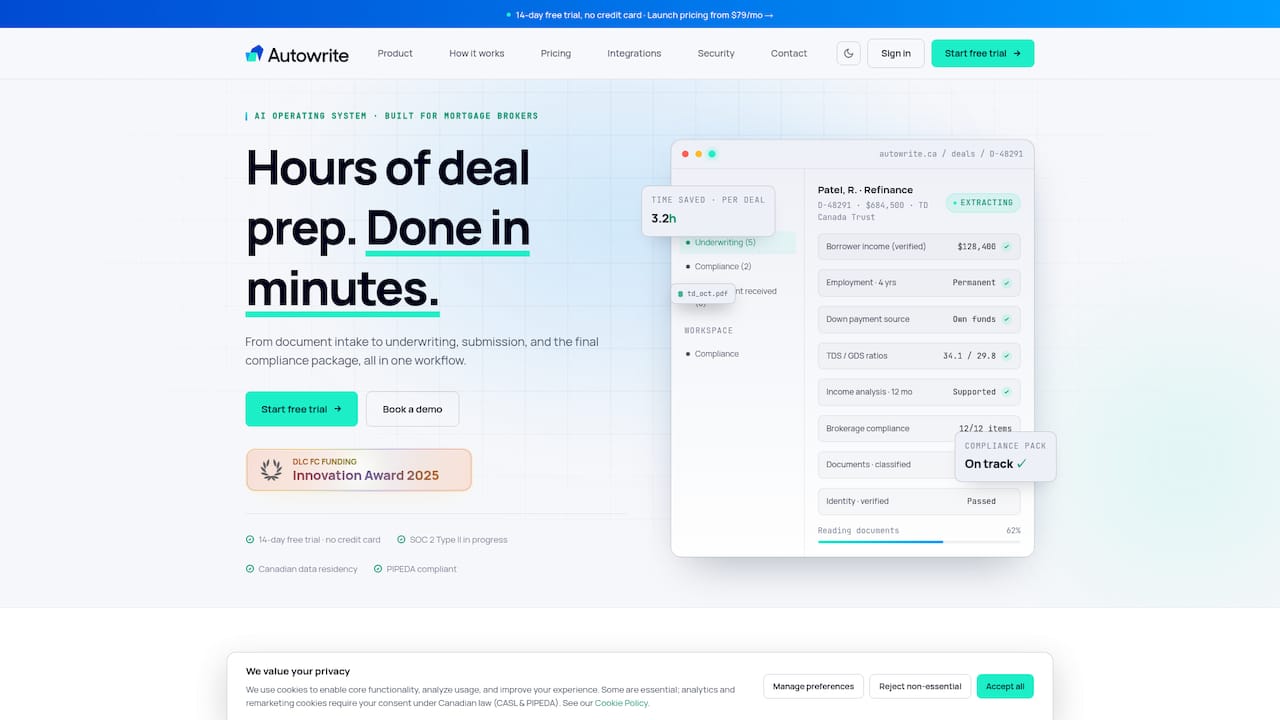
See the plans and current terms on the Autowrite pricing page.
FAQ
What is the best way for a client to photograph a mortgage document?
Place the page flat on a dark surface, use daylight or bright room light with the flash off, and hold the phone directly above the page. Keep a small margin around the edges, include every page, and preview the image to confirm every figure is readable. Do not crop or apply filters.
Should I accept screenshots or photos of documents from clients?
Photos are fine when they are sharp, complete and well lit. Screenshots are a poor substitute because they often cut off content and lose detail, so ask for the original file or a fresh capture. Always ask for a rescan if any page, corner or figure is unreadable.
How long do I need to keep documents captured on a phone?
It depends on the record and the province. FINTRAC sets a minimum of five years for mortgage loan and information records, and FSRA requires Ontario transaction records to be kept at least six years after the term expires or the transaction completes. Confirm the current rule with your regulator and your brokerage's compliance lead.
Can OCR replace manual review of captured documents?
No. OCR and intelligent document processing speed up classification and data entry, and they can flag discrepancies, but a broker still verifies income, identity details, account numbers and anything marked low confidence. Good capture quality reduces how much needs manual correction.
Is it safe to send client documents by text message?
It is better to avoid it. Use a secure upload link so documents go straight into a controlled folder with encryption and access controls, rather than sitting on a personal phone. Remember that brokerages must safeguard text messages and emails that form part of the record.
Sources
- CMHC: Self-Employed Mortgage Loan Insurance
- Canada Revenue Agency: Income Tax Audit Manual, Chapter 10
- FSRA: Keep good records to protect your reputation
- FSRA: Mortgage brokerage and administrator records management and front fees
- Insurance-Canada: Evolution of Data Extraction, from OCR to document processing
- Office of the Privacy Commissioner of Canada: Cloud computing for small and medium-sized enterprises
- Financial Consumer Agency of Canada: Depositing a cheque with a mobile device
- FINTRAC: Record keeping requirements for mortgage administrators, brokers and lenders
- Gouvernement du Québec: Loi 25, entrée en vigueur de dispositions
- Gouvernement du Québec: Analyse d'impact réglementaire, incidents de confidentialité
- Canada Revenue Agency: Privacy Statement