

A Notice of Assessment (NOA) is the Canada Revenue Agency's official summary of a filed tax return, and when you process NOAs with notice of assessment OCR, the fields that matter most are the NETFILE access code, the account summary lines, and the RRSP, tuition, and repayment balances. Those fields drive identity checks and underwriting decisions. You can retrieve an NOA through CRA My Account, and any OCR output should be checked against the original PDF before it reaches a file.
TL;DR:
- The CRA issues NOAs mainly through online accounts, with digital notices typically available within two weeks for on-time individual returns.
- Key fields for OCR processing include the NETFILE code, account summary lines, RRSP deduction limits, and balances for tuition and home buyers’ plans.
- Verifying OCR accuracy involves re-scanning, recalculating totals, and confirming the NETFILE code pattern before data integration.
- Handling NOAs securely requires storing data within Canada, encrypting files, limiting access, and maintaining detailed audit logs.
- OCR workflows benefit from high-resolution scans, confidence scoring, and human review of low-confidence fields to prevent costly errors in underwriting.
Table of Contents
- How the CRA issues and delivers your Notice of Assessment
- What's actually on a Notice of Assessment
- When to expect your NOA and why it sometimes runs late
- Building a practical OCR workflow for NOAs
- Keeping NOA data private and compliant
- Mapping NOA fields to underwriting checks
- Fixing OCR mismatches without stalling a file
- How Autowrite approaches NOA extraction
- Turning NOA extraction into a faster closing process
- FAQ
- Sources
How the CRA issues and delivers your Notice of Assessment
The CRA delivers NOAs through a small set of official channels, and knowing them matters because they are the only trustworthy source document for OCR. Individuals sign in to My Account to view theirs, while businesses use My Business Account, and accountants or brokers acting for a client use Represent a Client. Notices appear under a tab labeled "View Mail" or "Mail" rather than as a separate download. Paper delivery still happens, but mainly for filers who have not registered for online mail or who request it specifically.
To pull a usable copy for OCR processing, follow these steps:
- Sign into My Account, My Business Account, or Represent a Client with the appropriate credentials.
- Open "Mail" or "View Mail" and locate the notice for the relevant tax year.
- Download the PDF directly rather than taking a screenshot, since native PDFs scan far more reliably.
- If no online notice exists, request a mailed copy and expect a longer wait before you have a document to process.
What's actually on a Notice of Assessment
An NOA packs several fields into a dense layout, and each one serves a different purpose once it reaches an underwriting file. The CRA's own breakdown of the document lists the core components clearly.
- Taxpayer details, tax year, and date issued, which confirm whose return is being reviewed and for which period.
- Account summary, showing either a refund or a balance owing, built from line-by-line calculations.
- NETFILE access code, an eight-character string used for identity verification and for e-filing in future years.
- RRSP deduction limit, which tells a broker or lender how much contribution room a client has left.
- Unused tuition amounts and Home Buyers' Plan repayment balances, both of which affect a borrower's net financial position.
For a mortgage broker, the NETFILE code often doubles as a quick identity cross-check, while the account summary and RRSP figures feed directly into income and down payment analysis.
When to expect your NOA and why it sometimes runs late
The CRA publishes target timelines rather than guarantees, and those targets differ by filing method. Digital individual returns filed on time are targeted for assessment within two weeks, according to the CRA's service standards, which gives brokers a realistic benchmark when a client needs proof of income quickly. Paper returns and more complex filings, including corporate returns, carry longer targets.
Delays happen for reasons outside the published standard: a return flagged for review, a reassessment in progress, or a filing missing required slips can all push the timeline past two weeks. The CRA Progress Tracker shows status labels such as "Assessed" or "Notice issued," and checking it alongside the account's mail tab is the fastest way to know whether a document is ready to pull.

Building a practical OCR workflow for NOAs
A reliable OCR workflow for NOAs follows the same arc every time: capture, extract, verify, integrate. Each stage has its own failure points, and skipping verification is the most common way bad data ends up in a loan file.
- Capture: Scan at 300 DPI or request PDF/A original whenever possible, keep the untouched source file, and name files consistently (client ID, tax year, document type) so nothing gets mixed up downstream.
- Extract: Prioritize the NETFILE code as an eight-character string, monetary fields as decimals tied to their line references, and the tax year as a four-digit value. Treat the account summary lines as a set, not isolated numbers, since lenders often need two or three lines together to make sense of a balance.
- Score confidence: Line-level OCR should return a confidence score per field, and anything below your working threshold goes to a human reviewer instead of straight into a system.
- Verify: Recalculate summary totals as a checksum against what the OCR engine extracted, confirm the NETFILE code matches the expected eight-character pattern, and spot-check a sample of documents against their originals on a regular cadence. Keep an audit trail of what was extracted, who reviewed it, and when.
- Integrate: Export verified data as structured JSON or CSV with field-level tags so it can drop into underwriting or compliance systems without manual re-entry.
Pro Tip: Route any field under your confidence threshold to a human reviewer before it ever touches an underwriting form, since a misread RRSP limit or balance owing is far costlier to fix after the fact than before.
Keeping NOA data private and compliant
Tax documents carry sensitive personal and financial information, so the handling rules around them are not optional extras. Our guide to Canadian data residency covers the technical side of this in more depth, but the core practices apply to any firm processing NOAs.
- Store and process data on infrastructure that keeps it within Canada rather than routing it through foreign servers.
- Encrypt documents both at rest and in transit, without exception.
- Limit access by role, so only staff who need a given client's NOA can open it.
- Log every access and extraction event to support an audit trail.
- Retain documents only as long as the underwriting or compliance process requires, and sign data processing agreements with any third-party OCR vendor.
Mapping NOA fields to underwriting checks
Once extraction is reliable, the real value shows up in how those fields feed underwriting and source-of-funds review. Our playbook on source-of-funds verification walks through how extracted tax data supports compliance checks more broadly, but a few mappings are worth calling out directly.
- Account summary lines populate the borrower's reported income fields, which then get cross-checked against pay stubs or other proof of income.
- The NETFILE access code confirms that the tax year on file matches the identity being underwritten, catching mismatched or outdated documents early.
- RRSP deduction limits and unused tuition amounts inform down payment source analysis, particularly when a borrower plans to draw from registered accounts.
- Home Buyers' Plan repayment balances flag an existing obligation that affects debt service calculations.
Pro Tip: Set a higher confidence threshold for monetary fields that feed debt ratios than for descriptive fields like taxpayer name, since a dollar error there has a direct effect on approval decisions.
Fixing OCR mismatches without stalling a file
When extracted data does not match the original NOA, a short triage sequence usually resolves it faster than starting over.
- Re-scan the document at a higher resolution or try an alternate OCR pass, since image quality is the most common cause of misreads.
- Ask the client for a fresh screenshot or PDF pulled directly from CRA My Account rather than a forwarded copy, which often loses resolution.
- If no current NOA exists, request a mailed copy from the CRA and build in extra time, since paper delivery takes longer than the standard digital timeline.
- Log the correction and the reason for it, so repeated errors on the same field type can be traced back to a workflow fix.
How Autowrite approaches NOA extraction
An AI-powered tool automates document classification and line-level extraction so mortgage brokers are not retyping figures from every NOA that lands in a file. The platform's document intelligence assigns confidence scores at the line level, which keeps low-confidence fields visible rather than buried. This piece draws on Anant Bawa's work studying mortgage compliance and fraud detection patterns, work that shapes how extraction accuracy and auditability get built into a broker's daily workflow rather than treated as an afterthought.
— Anant Bawa
Turning NOA extraction into a faster closing process
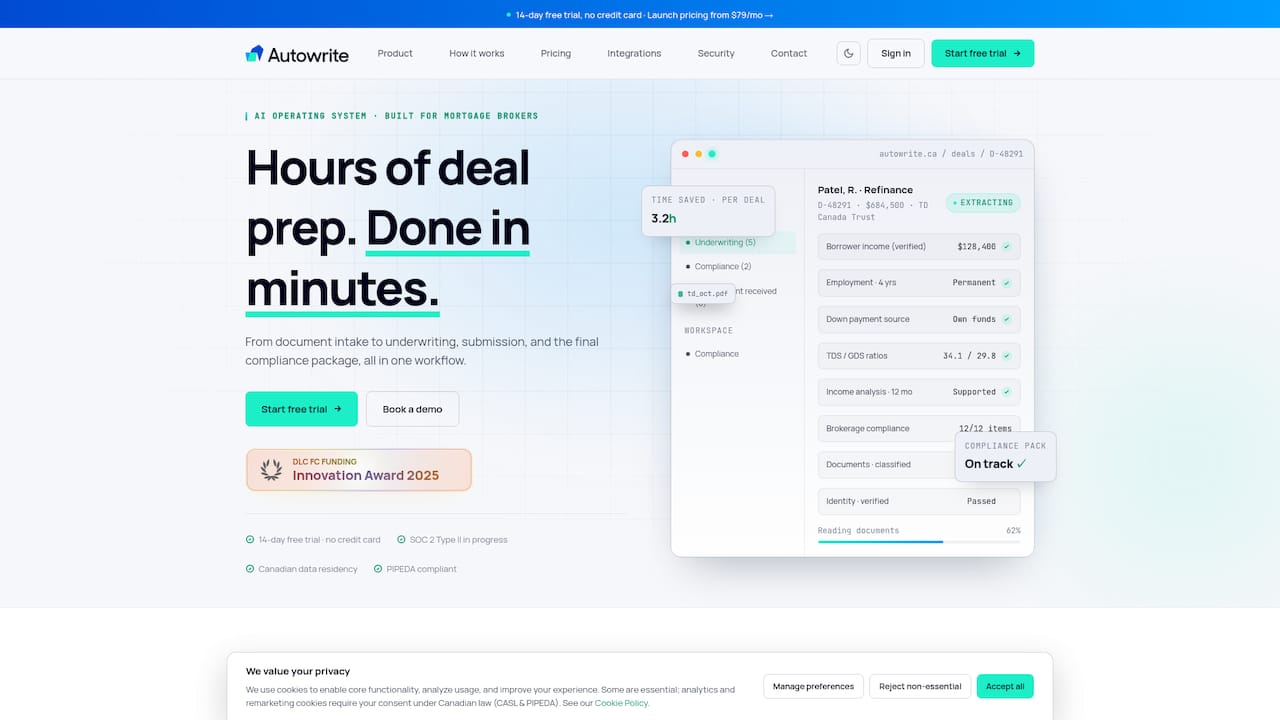
Reading NOAs by hand, line by line, is the kind of task that eats a broker's week without ever showing up as billable work. This extraction can be integrated directly into the deal flow: classifying incoming NOAs, pulling key data such as the NETFILE code, RRSP limits, and account summary figures, and mapping them into the underwriting package instead of leaving them in a pile of PDFs. Choosing OCR tools for a Canadian brokerage often means comparing vendor-evaluation criteria like the ones in this automation checklist for Canadian SMBs, and document intelligence tailored to Canadian mortgage paperwork can be a significant differentiator.
- See how classification and extraction fit into a full mortgage workflow in our guide for lenders.
- Compare the Starter, Pro, and Legend plans, along with Enterprise, on the Autowrite pricing page.
- Start a 14-day trial to test NOA ingestion against your own client files before committing to a plan.
This article is general information, not a substitute for advice from a qualified financial advisor. Consult a qualified financial professional about your own circumstances before acting on anything here.
FAQ
How do I get my notice of assessment in Canada?
You can view or download your NOA by signing into CRA My Account for personal filings, or My Business Account and Represent a Client for business filings. The notice appears under "Mail" or "View Mail" once it has been issued, and you can also request a paper copy if you are not registered for online mail.
When should I expect a CRA notice of assessment?
The CRA targets about two weeks for assessing on-time digital individual returns, with longer timelines for paper filings and more complex returns. Reviews, reassessments, or incomplete filings can push actual processing beyond that target.
What is a notice of assessment in Canada?
A Notice of Assessment is the CRA's summary of a filed tax return, showing the account summary, tax year, and a NETFILE access code. It also lists RRSP deduction limits, unused tuition amounts, and any Home Buyers' Plan repayment balances.
What does a notice of assessment look like in Canada?
An NOA is a formatted CRA document showing taxpayer details, the tax year, date issued, and an account summary of refund or balance owing. It also includes an eight-character NETFILE access code along with RRSP and tuition figures, laid out in sections rather than as a single table.
Why does the NETFILE code matter for document verification?
The NETFILE access code is an eight-character identifier the CRA uses for both e-filing and identity confirmation when a taxpayer contacts the agency. In an OCR workflow, checking that this code matches its expected format is a fast way to catch a misread or mismatched document before it moves further into a file.